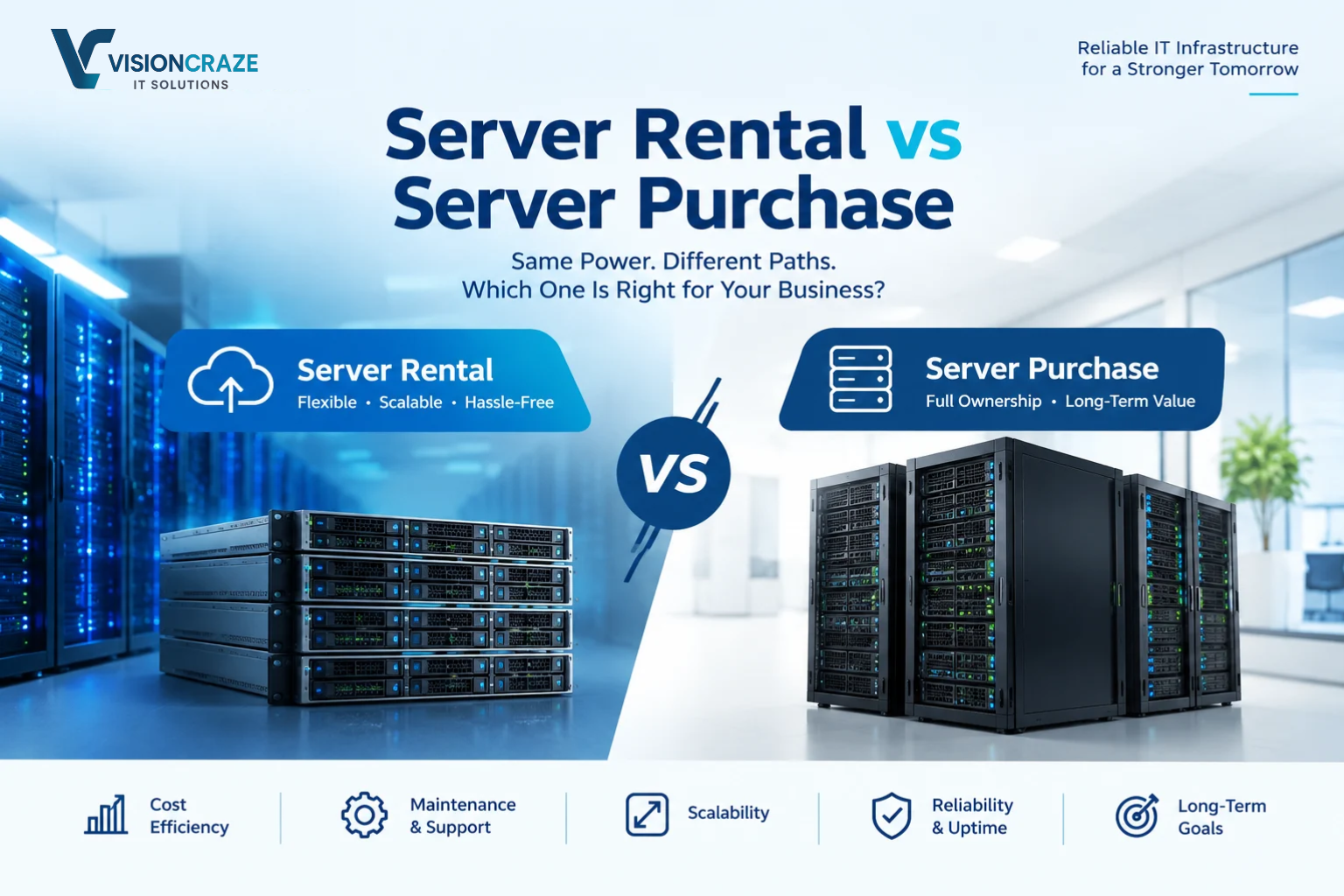
Every growing business reaches a point where its IT infrastructure needs a serious upgrade. Maybe your website is slowing down under traffic, your database has outgrown its hardware, or your team needs a reliable place to run internal applications. The question then becomes: should you rent servers or buy them outright?
It sounds like a purely technical decision, but it is really a financial and strategic one. The wrong choice can lock up capital, create maintenance headaches, or leave you without the capacity you need when demand spikes.
This guide breaks down the server rental vs server purchase debate in plain language. You will learn how each model works, where each one shines, what hidden costs to watch for, and how to decide which is right for your business.
What Is Server Rental?
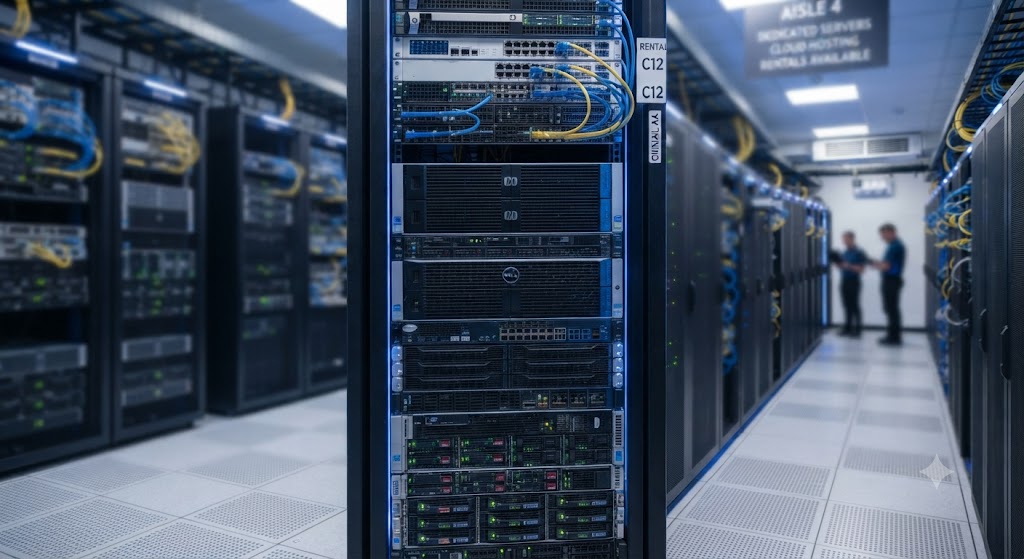
Server rental means paying a provider a recurring fee, usually monthly or annually, to use server hardware that they own and maintain. It comes in a few common forms:
- Dedicated server hosting: You rent an entire physical machine in a provider’s data center. No one else shares its resources.
- Virtual private servers (VPS): You rent a slice of a physical server, with guaranteed portions of CPU, memory, and storage.
- Cloud servers: You rent virtualized resources on demand from a cloud platform, often billed by the hour or by usage.
- Server leasing: A financing arrangement where you use physical hardware, often at your own site, in exchange for regular payments, with an option to upgrade or buy at the end of the term.
In most rental models, the provider handles the physical hardware, power, cooling, network connectivity, and hardware replacement. You focus on the software and data.
What Is Server Purchase?
Server purchase means buying the hardware yourself, a capital expense you own outright. You then decide where it lives:
- On-premise: Servers sit in your office or in a server room you manage.
- Colocation: You own the hardware but place it in a third-party data center that provides space, power, cooling, and bandwidth.
With ownership, you control every component, from the processor to the storage configuration, and you are responsible for maintaining, securing, and eventually replacing the equipment.
Server Rental vs Server Purchase: Key Differences at a Glance
| Factor | Server Rental | Server Purchase |
|---|---|---|
| Upfront cost | Low | High |
| Ongoing cost | Predictable recurring fee | Maintenance, power, staffing, upgrades |
| Scalability | Fast and flexible | Slow, requires new hardware |
| Control | Moderate to high | Complete |
| Maintenance | Mostly handled by provider | Your responsibility |
| Hardware lifespan risk | Provider’s problem | Your problem |
| Best for | Startups, variable workloads, lean IT teams | Stable workloads, strict compliance, long-term planning |
Let’s explore each of these factors in more detail.
1. Cost: Capital Expense vs Operating Expense
Cost is usually the first thing business owners consider, and it is where the two models differ most in structure.
The Cost of Renting Servers
Renting converts a large one-time expense into a predictable operating cost. You avoid the upfront outlay for hardware, which keeps cash available for hiring, marketing, or product development. Monthly fees typically bundle hardware, data center space, power, cooling, and network access.
For small and mid-sized businesses, this predictability is a major advantage. You can budget precisely, and you can scale the bill up or down as your needs change.
The tradeoff is that over several years, cumulative rental payments can exceed the purchase price of equivalent hardware, especially if your needs are stable and you rent at full capacity for a long time.
The Cost of Buying Servers
Purchasing requires significant upfront investment, but the per-month cost of ownership can be lower over the long run, provided you use the hardware heavily and keep it in service for its full useful life, which is commonly three to five years or more.
However, the sticker price of the server is only part of the picture. A realistic total cost of ownership (TCO) calculation includes:
- Hardware and software licenses
- Rack space, power, and cooling
- Network equipment and bandwidth
- Backup and disaster recovery systems
- IT staff time or managed-service contracts
- Spare parts and warranty extensions
- Replacement and disposal at end of life
Many businesses underestimate these ongoing costs, which is why a purchase that looks cheaper on paper can end up costing more than renting.
Rule of thumb: If your workload is steady, predictable, and long-term, buying often wins on cost. If your needs are uncertain or growing quickly, renting usually wins on flexibility and risk.
2. Scalability and Flexibility
Business demand is rarely flat. Seasonal sales, product launches, and viral moments can multiply your traffic overnight.
Scaling with Rented Servers
Rental, especially cloud and VPS options, makes scaling fast. Need more RAM or storage? Many providers let you upgrade within minutes or hours. Need extra capacity just for a busy season? You can add it temporarily and release it afterward, paying only for what you used.
Scaling with Purchased Servers
When you own hardware, scaling means procurement: researching, ordering, waiting for delivery, installing, configuring, and testing. That can take weeks. You also have to buy for peak demand, which often means paying for capacity that sits idle most of the year.
If you underbuy, you risk performance problems. If you overbuy, you have wasted capital. For businesses with unpredictable growth, this is a real strategic risk.
3. Control and Customization
Control When You Own
Buying gives you full authority over hardware selection, firmware, network topology, and software stack. If your applications need specialized components, such as particular GPUs, high-speed storage arrays, or unusual network cards, ownership lets you build exactly what you need.
Control When You Rent
Dedicated server rentals offer substantial customization, including operating system, software, and often hardware configuration from the provider’s catalog. Cloud and VPS plans are more standardized. Most businesses find rental options flexible enough, but if you need highly specialized hardware, your choices may be limited.
4. Maintenance and Management
Servers do not run themselves. Hardware fails, firmware needs updating, and components wear out.
Maintenance with Rented Servers
With rental, the provider typically replaces failed hardware, monitors the physical infrastructure, and maintains the data center environment. Many providers also offer managed services, covering operating system updates, monitoring, backups, and security patching, for an added fee.
This is a big advantage for businesses without a dedicated IT team. Your staff can focus on the business instead of swapping out failed drives at 2 a.m.
Maintenance with Purchased Servers
Owning means you are the maintenance department. You need skilled staff or a service contract to handle repairs, patches, monitoring, and upgrades. For businesses with strong in-house IT capability, this is manageable and may even be preferred. For those without it, it quickly becomes a burden and a risk.
5. Security and Compliance
Security is a top concern, and neither model is automatically safer. What matters is how well each is implemented.
Security with Rented Servers
Reputable providers invest heavily in physical security, network protection, and certifications. Many data centers hold recognized compliance attestations that would be expensive for a small business to replicate on its own. In a dedicated server arrangement, your data sits on hardware not shared with other customers, which adds isolation.
Still, you are trusting a third party with your infrastructure, and you must carefully review the provider’s security practices, data location, and contractual responsibilities. The division of responsibility, often called the shared responsibility model, should be crystal clear.
Security with Purchased Servers
Owning gives you direct control over physical access, network design, and data handling. This matters for industries with strict regulations around data residency, privacy, or auditing, such as healthcare, finance, and government contracting. Some organizations simply cannot move certain data off their own premises.
The flip side is that you are fully responsible for implementing and maintaining strong security. A poorly secured on-premise server room can be riskier than a professional data center.
6. Performance and Reliability
Reliability When Renting
Established providers offer service level agreements (SLAs) that guarantee uptime, along with redundant power, cooling, and network connections. If hardware fails, replacement is typically quick. Data center locations can also be chosen to put your servers closer to your customers, reducing latency.
Reliability When Buying
Reliability depends on your investment. To match what a professional data center provides, you would need redundant power supplies, backup generators, climate control, multiple internet connections, and failover systems. That is achievable but expensive, particularly for small organizations.
For performance-sensitive workloads that run on a local network, such as manufacturing systems or in-office applications that need extremely low latency, on-premise ownership can offer clear performance benefits.
7. Technology Refresh and Obsolescence
Hardware ages quickly. A server that was cutting-edge a few years ago may struggle with modern workloads and become less energy-efficient compared with newer models.
With rental, upgrading is often as simple as migrating to a newer plan or machine. The provider carries the risk of obsolete equipment.
With purchase, you bear that risk. You may be stuck with aging hardware you have already paid for, or forced into another major capital expense sooner than planned. On the other hand, fully depreciated equipment that still meets your needs can be extremely cost-effective.
When Should Your Business Rent Servers?
Renting is often the best fit if:
- You are a startup or small business with limited capital and a need to preserve cash.
- Your workload is unpredictable or highly seasonal.
- You lack in-house IT expertise and prefer managed support.
- You need to launch quickly without waiting for hardware procurement.
- You are testing a new product or market and don’t want long-term commitments.
- You want predictable monthly budgeting with minimal surprises.
- You need geographic reach, with servers in multiple regions.
When Should Your Business Buy Servers?
Purchasing may be the smarter choice if:
- Your workload is stable and predictable over many years.
- You have a skilled IT team capable of managing hardware and security.
- You have strict compliance or data residency requirements that demand full control.
- You need specialized hardware not available from rental providers.
- You have the capital and want to treat servers as long-term assets.
- You run latency-critical local applications best served on-site.
- You expect high, constant utilization, where ownership’s long-term economics shine.
The Hybrid Approach: Getting the Best of Both
You don’t have to choose just one. Many businesses adopt a hybrid strategy:
- Keep core, stable, or sensitive workloads on owned hardware.
- Rent or use cloud servers for development, testing, backups, or overflow capacity during peak demand.
- Use colocation to own hardware while outsourcing the facility.
This approach balances control, cost efficiency, and flexibility. It also lets you move workloads gradually as your needs and budget evolve, rather than committing everything to one model on day one.
How to Decide: A Practical Checklist
Work through these questions before committing:
- What is your budget structure? Can you afford a large upfront investment, or do you need to keep costs operational?
- How predictable is your demand? Steady usage favors buying; fluctuating usage favors renting.
- What is your time horizon? For a three-to-five-year or longer plan with stable needs, run the numbers on ownership. For shorter or uncertain horizons, rent.
- Do you have the IT talent? Be honest about your team’s capacity to manage hardware and security.
- What are your compliance obligations? Check whether regulations restrict where and how data can be stored.
- How quickly do you need to scale? If speed matters, renting has a clear edge.
- What is the true TCO? Compare both options over the same period, including power, space, staffing, backups, and replacement cycles.
- What is your exit strategy? Consider how easily you can move or switch providers, and what happens to owned hardware you outgrow.
If you are still unsure, start by renting. It lowers your risk, preserves your capital, and gives you real usage data. After a year or two, you will know your actual demand patterns and can make a far more informed purchase decision, if buying still makes sense.
Common Mistakes to Avoid
- Ignoring total cost of ownership. Comparing only the hardware price to the monthly rental fee gives a misleading picture.
- Overbuying “just in case.” Idle capacity is wasted money.
- Underestimating maintenance. Hardware needs ongoing care, and downtime is expensive.
- Skipping the SLA fine print. Know exactly what uptime, support response, and hardware replacement terms your provider guarantees.
- Neglecting backups and disaster recovery. Neither renting nor owning protects you automatically. Plan for failure either way.
- Locking into long contracts too early. Flexibility is valuable when your business is still evolving.
Frequently Asked Questions
Is renting a server cheaper than buying?
In the short term, usually yes, because there is no large upfront cost. Over many years with stable, heavy usage, buying can be cheaper, but only after accounting for maintenance, power, space, and staffing.
Which is better for a small business, rental or purchase?
For most small businesses, renting is the safer and more practical choice. It keeps costs predictable, reduces technical burden, and allows easy scaling.
Can I switch from renting to buying later?
Yes. Many companies start with rental and move to owned hardware or a hybrid model once their needs are well understood.
Is a rented dedicated server secure?
It can be very secure when you choose a reputable provider and configure it properly. Always review the provider’s security measures, certifications, and your own responsibilities.
What is the difference between a dedicated server and a cloud server?
A dedicated server is an entire physical machine reserved for you. A cloud server is a virtualized resource that can be scaled quickly and often billed by usage. Dedicated servers offer consistent performance, while cloud servers offer greater flexibility.
Do I need an IT team if I rent servers?
Not necessarily. Managed hosting plans can handle much of the day-to-day work, though you will still want someone responsible for your applications and data.
Change block type or style
Move Heading block from position 94 up to position 93
Move Heading block from position 94 down to position 95
Change alignment
Change text alignment
Displays more block tools
Final Thoughts: Which Option Should Your Business Choose?
There is no universal winner in the server rental vs server purchase debate. The right answer depends on your finances, workload, technical skills, compliance needs, and growth plans.
Choose rental if you value flexibility, fast deployment, predictable costs, and less hands-on maintenance. Choose purchase if you have stable workloads, strong in-house expertise, specific compliance or hardware requirements, and the capital to invest for the long haul. Consider a hybrid model if your business has a mix of needs.
Whatever you decide, calculate the true total cost of ownership, plan for security and backups, and revisit the decision regularly as your business grows. Infrastructure is not a one-time choice. It should evolve alongside your goals.
Ready to make the call? Evaluate your current workloads, map out your growth forecast, and request quotes for both rental and purchase options. A side-by-side comparison with real numbers will make the best path clear.